Everything AcuityMaster does.
✓ Mac compatible (Cloud) ✓ Windows (Legacy) ✓ iPad / browser-based
Developed in a multispecialty ophthalmology and optometry setting — AcuityMaster delivers the full test suite your patients need, in one affordable application.
Clinical standards: ANSI Z80.21 compliant (luminance) · ISO 8596 compliant (optotype contrast) · Calibrated to your patient-to-screen distance
Units of Measure
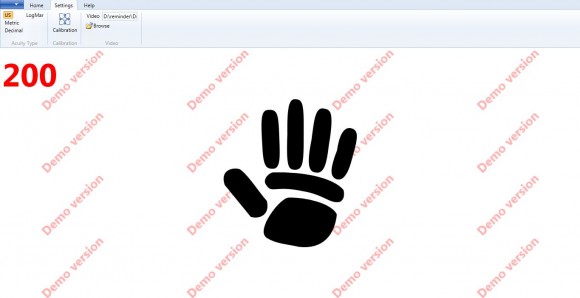
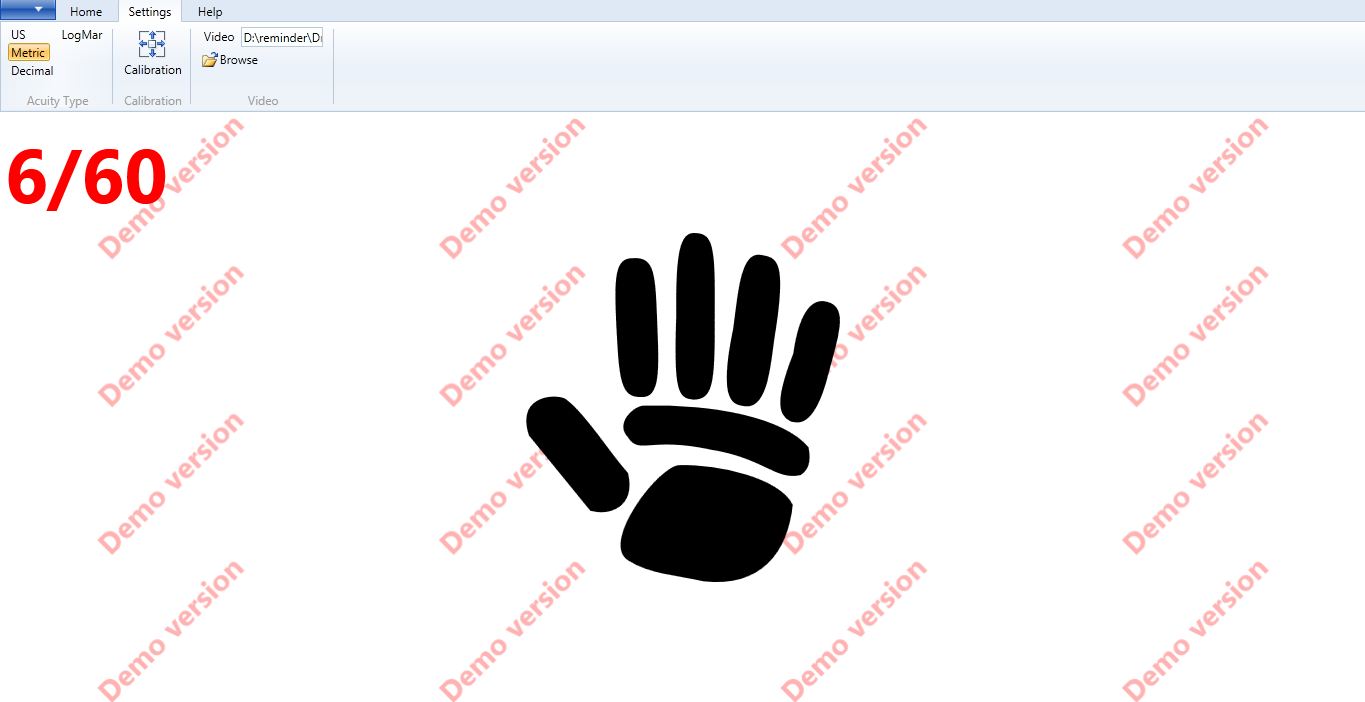
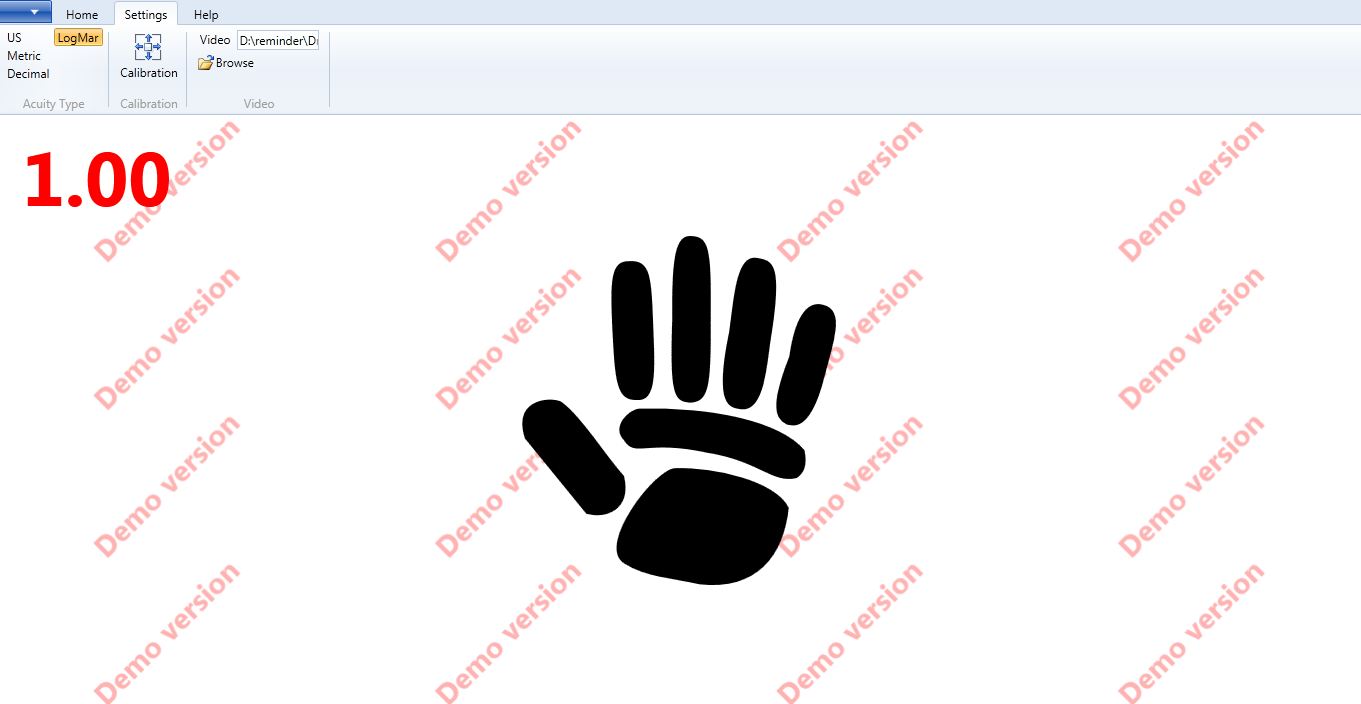
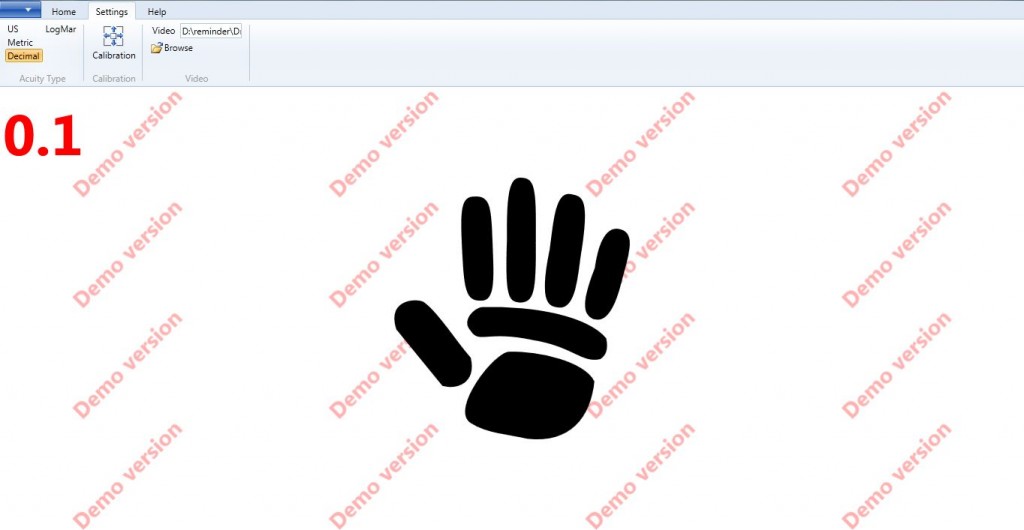
Switch between all popular visual acuity formats instantly — no setup required between patients.
- US Snellen — 20/200 … 20/20, 20/15, 20/10
- Metric — 6/60 … 6/6
- LogMAR — 1.0 through 0.0 (ETDRS standard)
- Decimal — 0.1 through 1.0
Calibration
Configure AcuityMaster once for your exam lane — settings persist between sessions.
- Unit of measure selection (US, Metric, LogMAR, Decimal)
- Patient-to-screen distance in feet or meters
- Letter size auto-calculated from entered distance
- Pediatric fixation video clip selection
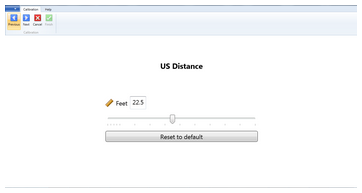
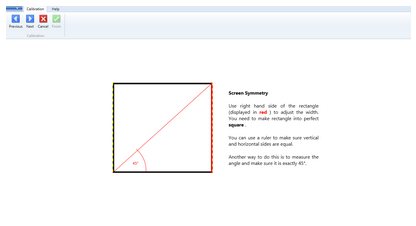
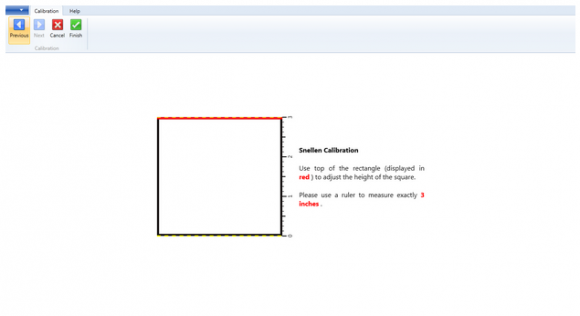
Chart Types
Every specialist test in one application — no switching software between exam types.
- Snellen — the universal standard acuity chart
- ETDRS / LogMAR — 5 letters per row, equal spacing, gold standard for clinical trials
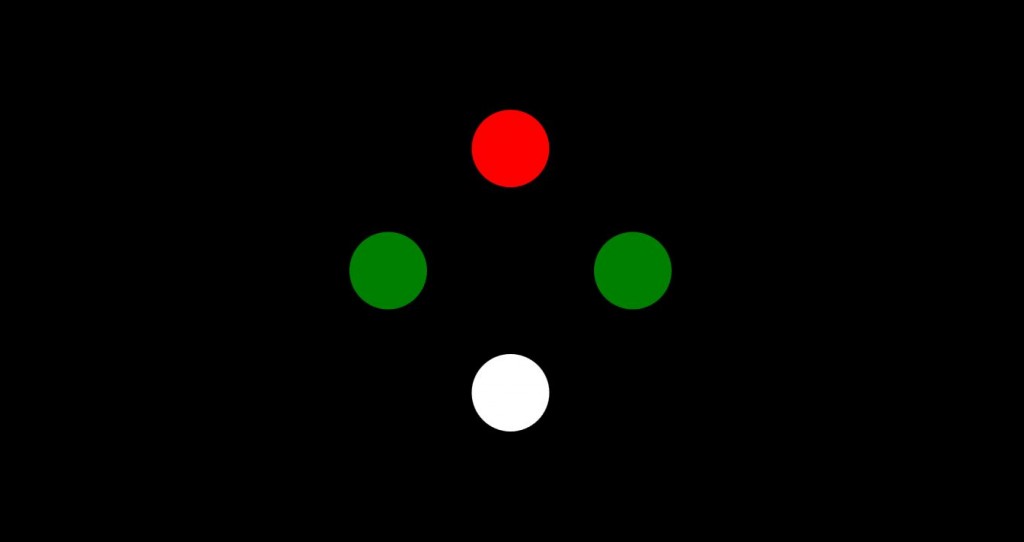
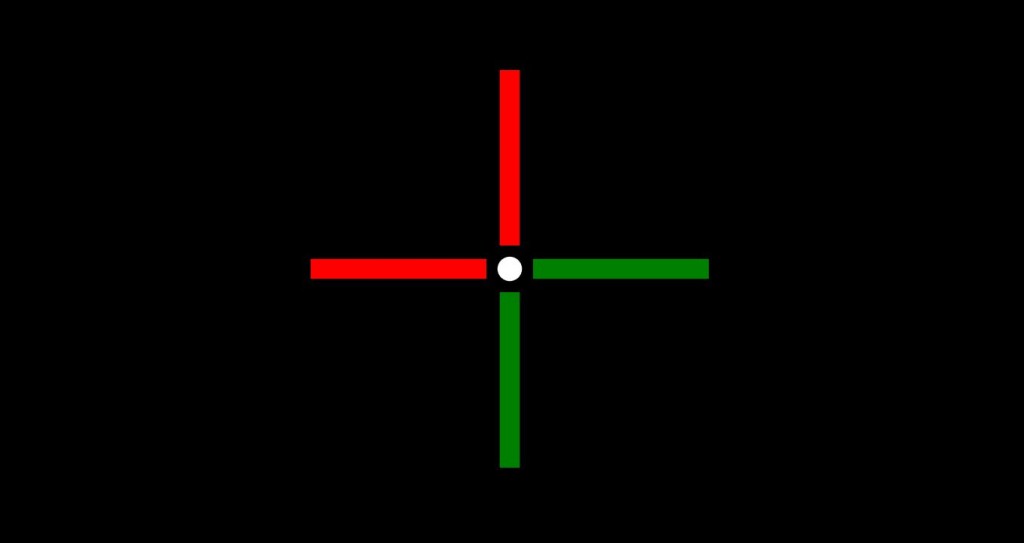
- Worth-Dot-Four — color-correct, calibrated for binocular testing
- Astigmatic Dial — Jackson cross-cylinder axis refinement
- Fixation Disparity — binocular balance and vergence testing
- Contrast Sensitivity — Pelli-Robson style, assess beyond Snellen
Optotypes
Standardised visual symbols used to measure visual acuity, including letters, numbers, geometric shapes, and directional figures. AcuityMaster offers:
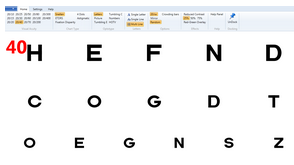
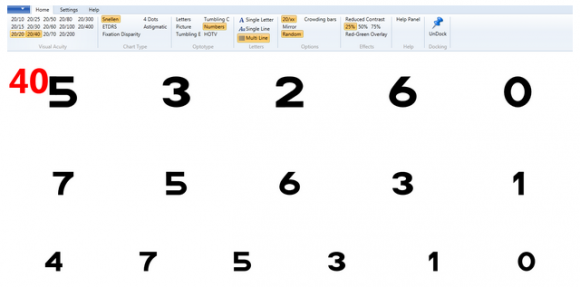
- Sloan Letters — standard 10-letter set for equal threshold legibility
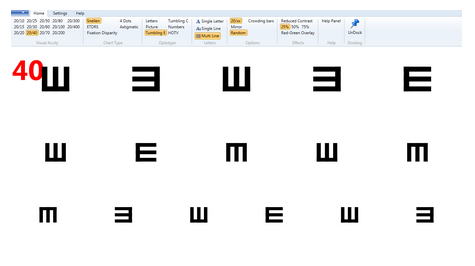
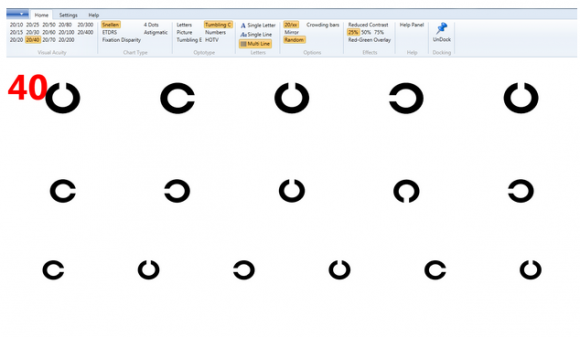
- Tumbling E — patient indicates direction of prongs; no letter knowledge required
- Landolt C — ISO 8596 standard broken-ring optotype
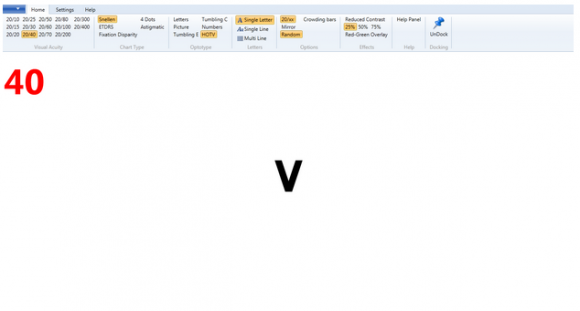
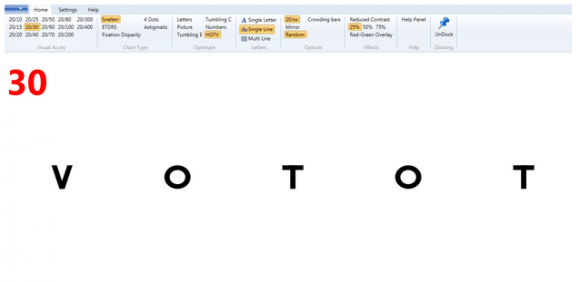
- HOTV — four-letter matching chart for pre-literate children (ages 2.5+)
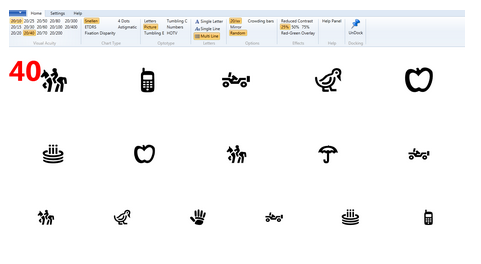
- Lea Symbols — house, apple, square, circle; designed for young children
Display Mode
Switch display mode instantly without leaving the chart — no reconfiguration needed between patients.
- Single Letter — isolates one optotype to eliminate the crowding effect; particularly useful for amblyopia testing
- Single Line — displays one complete acuity line at a time
- Multiline — full chart view in traditional Snellen format
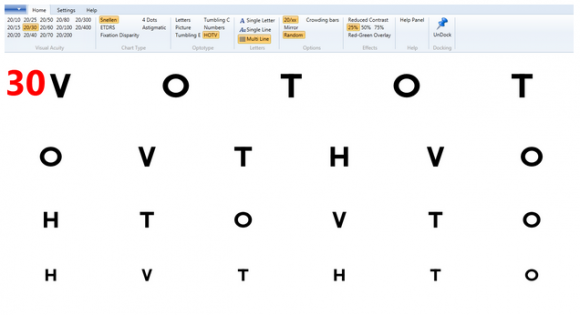
Pediatric Friendly
AcuityMaster is designed with pediatric patients in mind. Picture optotypes feature objects children actually recognise today — including a cell phone, because today’s kids no longer know the rotary telephone.
- Updated picture optotypes (phone, house, star, bird)
- HOTV matching cards for children aged 2.5 and up
- Hands-free video fixation via keyboard or USB foot pedal
- Tumbling E and Landolt C for pre-literate patients
See the Accessories page for the compatible USB foot pedal.

Options
Tailor each exam without switching applications or reconfiguring your setup.
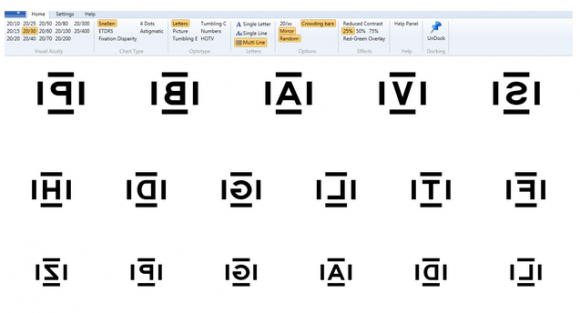
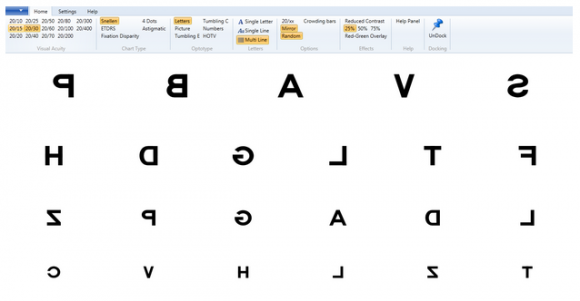
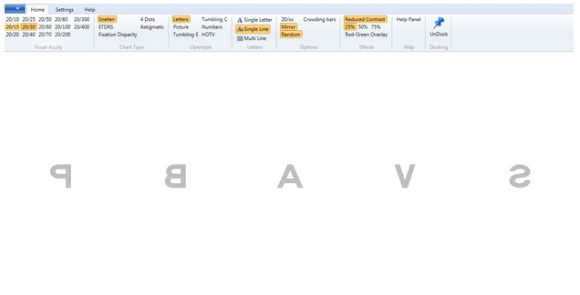
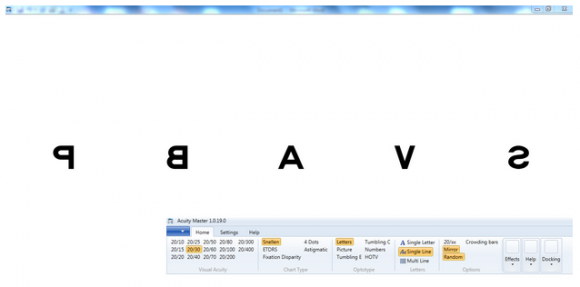
- Mirror mode — display behind the patient via a mirror for compact exam lanes; software flips the chart automatically. Also supports standard front-facing display.
- Toggle 20/XX label — show or hide the acuity notation on the patient-facing display.
- Crowding bars — add surrounding optotypes to isolate the crowding effect; essential for amblyopia assessment.
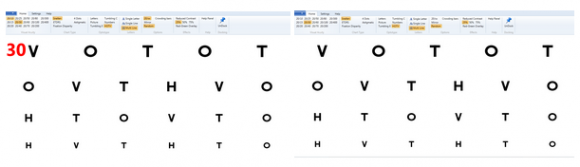
- Reduced contrast — multiple contrast levels for contrast sensitivity testing.
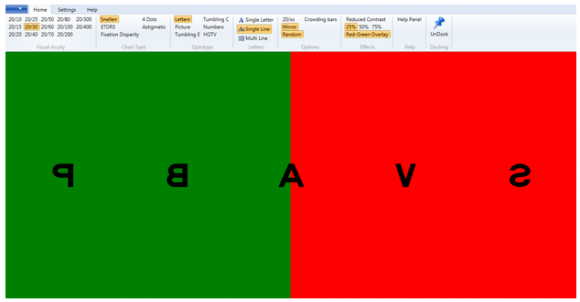
- Red/Green overlay — for binocular balance and duochrome refraction.
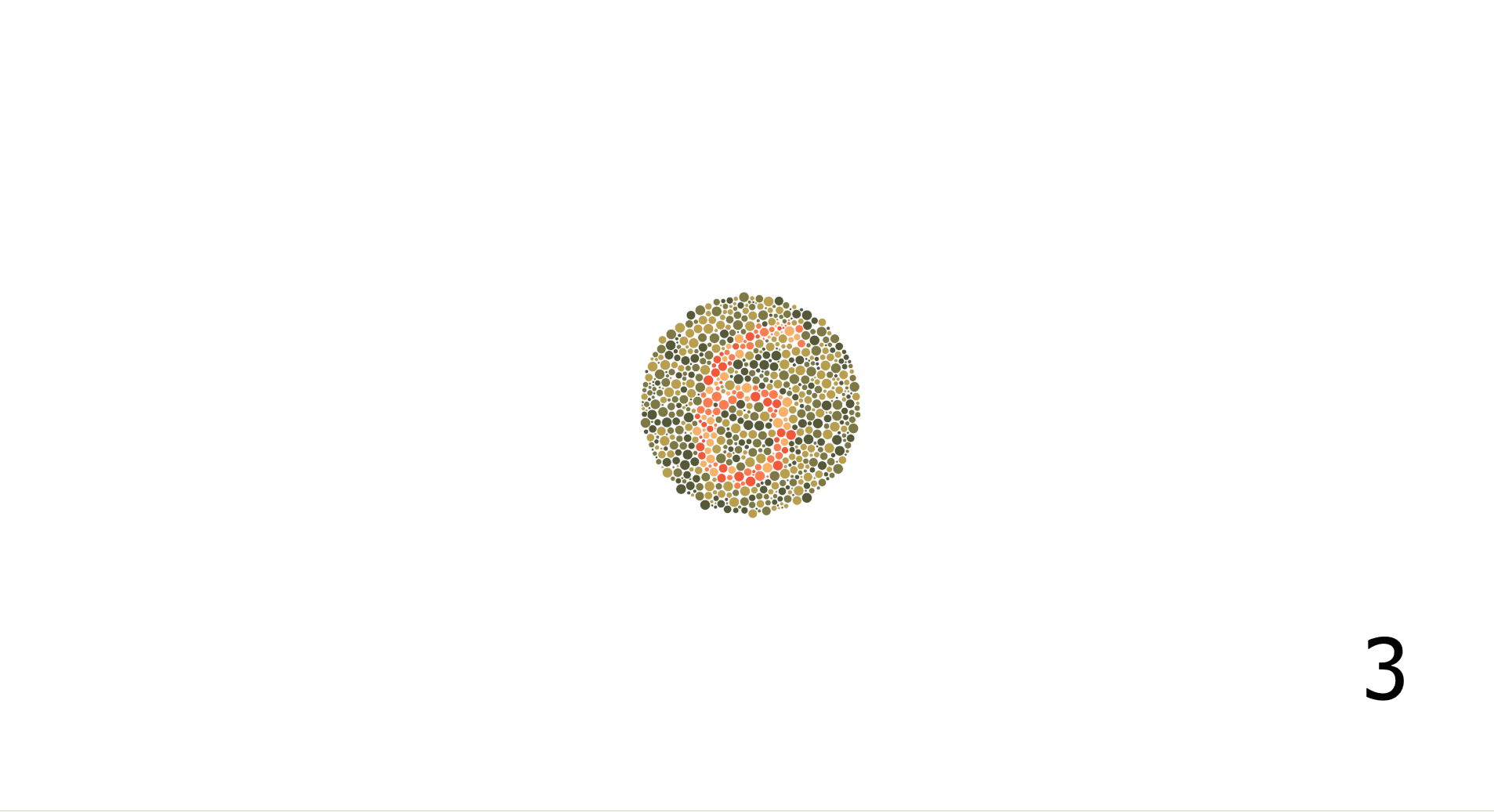
Color Vision
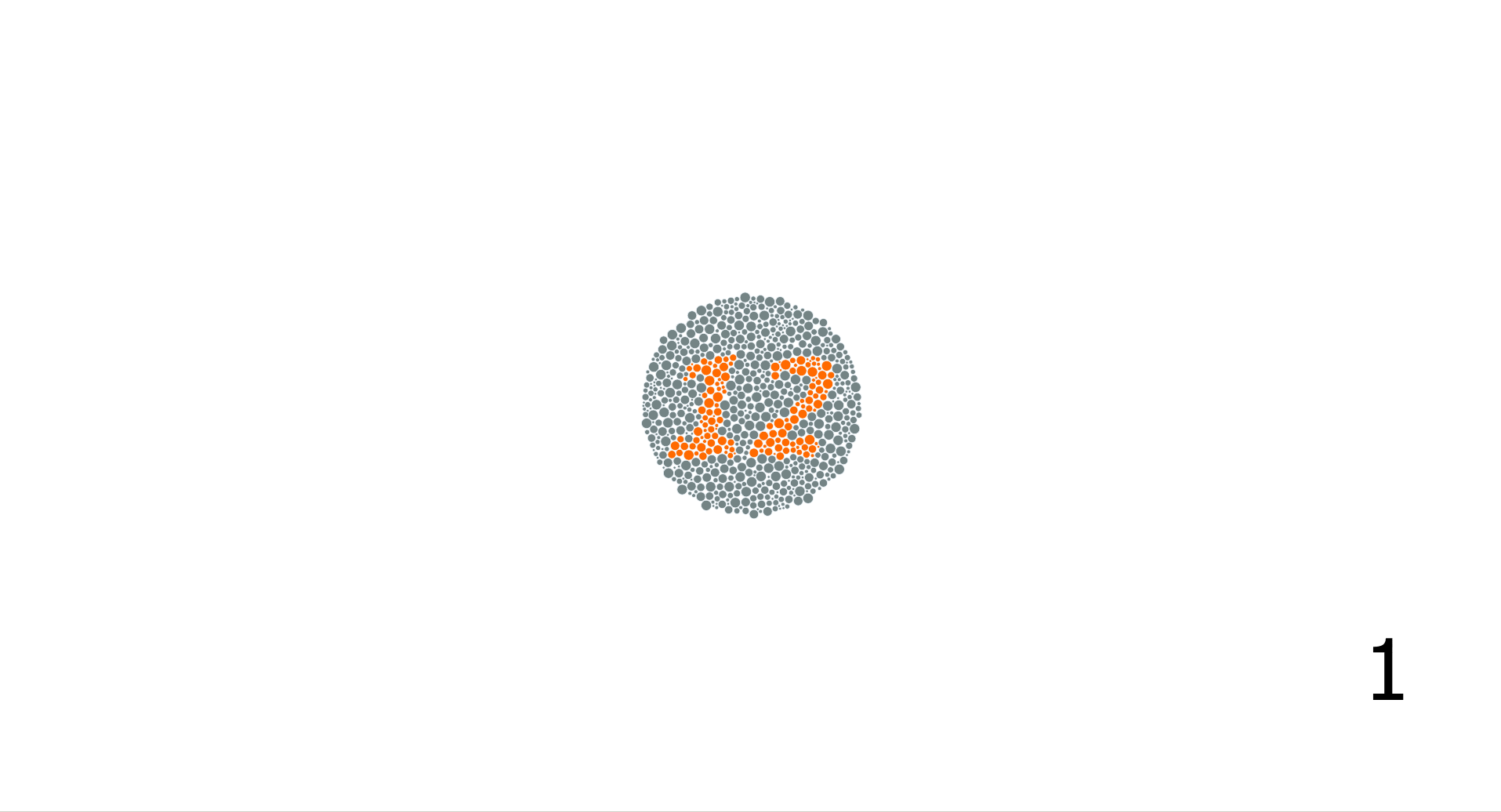
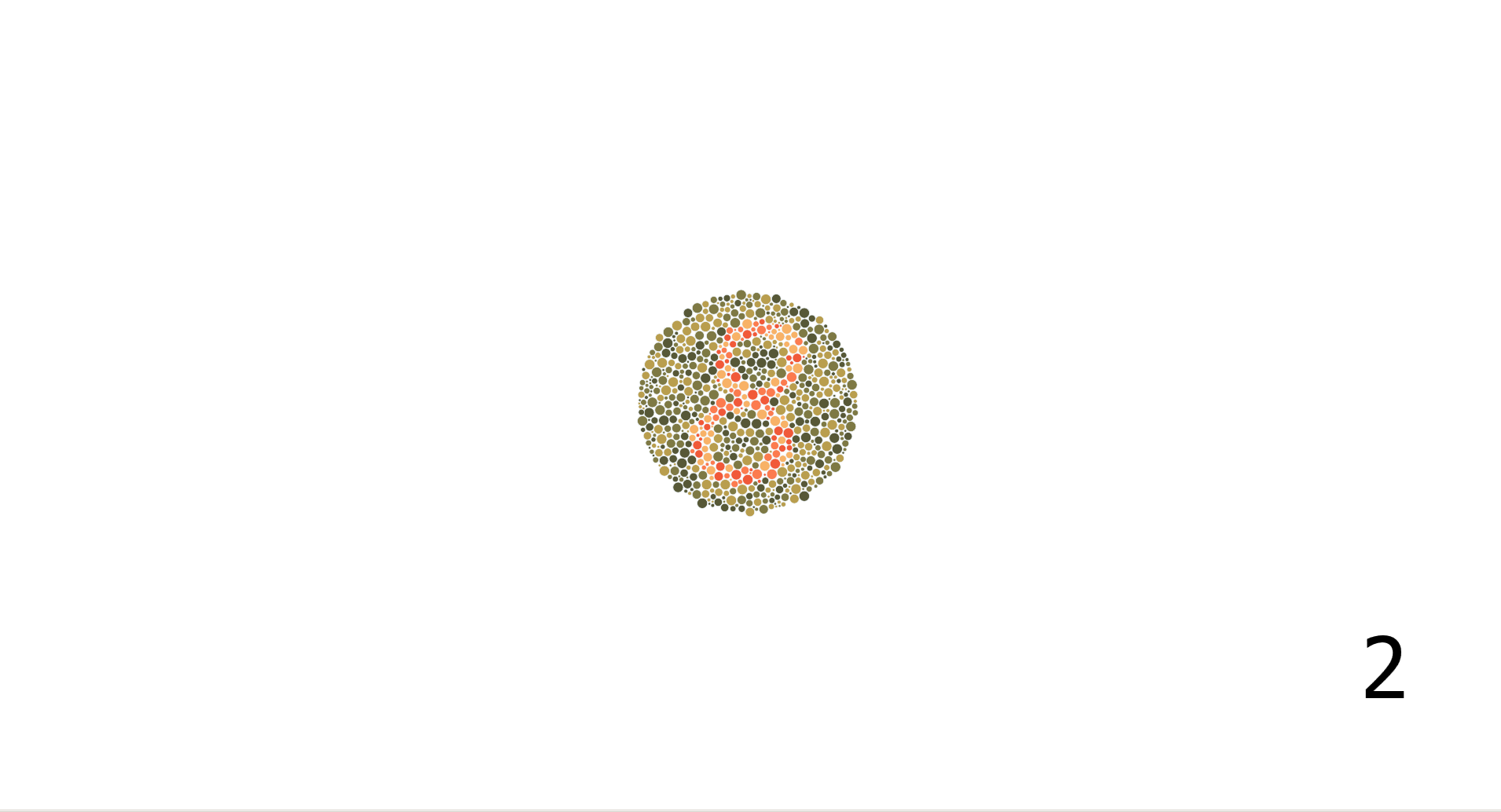
Color vision screening is integrated directly into your exam workflow — no separate application or hardware required.
- Color vision screening plates on a calibrated display
- Screen for red-green and blue-yellow deficiencies
- One click from acuity testing to color vision — no workflow interruption
- Monitor calibration ensures accurate color reproduction per ANSI standards
- 8% of males have some color vision deficiency — efficient screening matters
Special Features
Practical features built around real exam-lane workflows — especially useful for dual-monitor setups and pediatric patients.
- Undockable Control Menu — drag the AcuityMaster control bar to the monitor nearest you. Full menu access without squinting at a display 15–20 feet away.
- Mirror Mode — chart displayed behind the patient via a mirror; software flips automatically for correct reading.
- Pinhole Acuity — on-screen pinhole overlay; no physical occluder needed.
- Runs on existing hardware — Windows XP–11, Mac, any modern browser. Use the computer already in your exam lane.
See AcuityMaster in your office.
15-day fully functional trial — no risk, no obligation.